Best Appliance Repair Business Software for 2026
Find the best appliance repair business software for dispatch, job tickets, estimates, payments, and diagnostics - and choose tools that grow with you.
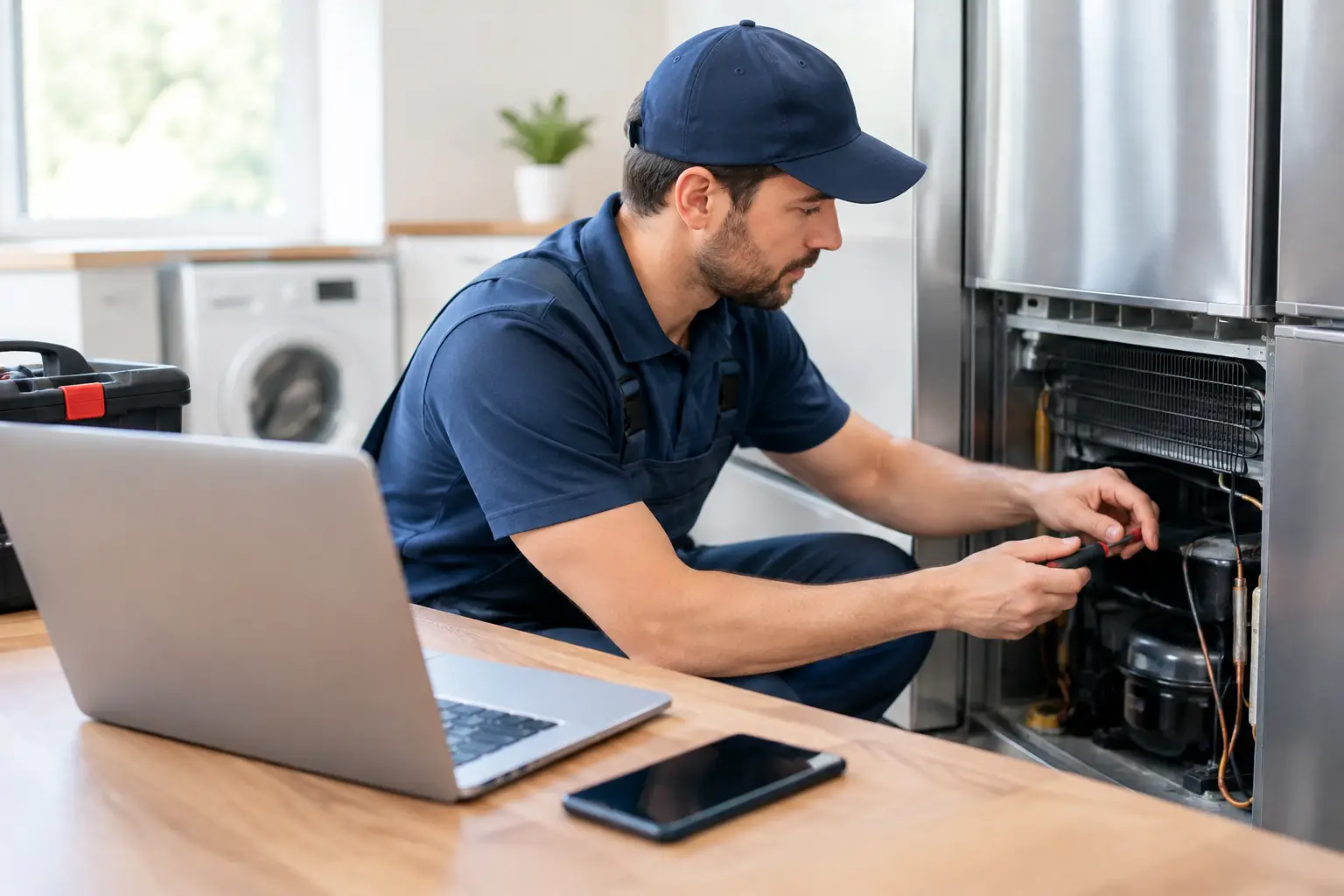
A missed dispatch call can cost more than a bad compressor diagnosis. When you are building a service route, the best appliance repair business software keeps customer information, technician schedules, job notes, estimates, and payments from getting scattered across texts, notebooks, and memory. That matters whether you are taking your first independent call or building a multi-tech operation.
Software will not replace hands-on skill. It cannot prove a failed thermistor, recover refrigerant, or perform lockout/tagout. What it can do is give a capable technician a repeatable business workflow: get the call, document the complaint, diagnose with evidence, communicate clearly, collect payment, and keep the customer coming back.
What appliance repair software needs to handle
Generic invoicing tools can work for a solo operator with a light schedule. But appliance repair has details that standard office software often misses. A refrigerator no-cool call may require model and serial verification, error-code history, temperature readings, parts availability, sealed system notes, and a customer report that explains the repair in plain language.
The right system should support the entire job cycle, not just the invoice at the end. Start with the initial customer call and address. Add appliance make, model, serial number, and reported symptom. Build a job ticket that records diagnostic readings, photos, labor, parts, and recommendations. Then convert approved work into an invoice and preserve that service history for the next call.
For a growing operation, dispatch is equally important. You need to see which technician is available, where they are going, what appliance they are working on, and whether the required part is already on the truck. A polished schedule is not just convenient. It reduces windshield time, prevents double-booking, and helps you give customers accurate arrival windows.
The core features worth paying for
The best appliance repair business software is not necessarily the one with the most features. It is the one your team will actually use between calls. Prioritize the tools that protect revenue, reduce callbacks, and make customer communication more professional.
Job tickets built for diagnostic work
A job ticket should be more than a blank notes field. Look for a workflow that captures the customer complaint, appliance details, error codes, test results, photos, parts used, and final repair status. A technician who documents a 120 VAC supply check, a resistance test, and a failed component creates a clear record of why the repair was recommended.
That documentation helps when a customer has questions, when another technician returns to the home, or when you need to review a callback. It also trains new technicians to think in a disciplined diagnostic sequence instead of swapping parts based on a symptom alone.
Estimates, approvals, and payments
Customers should understand what they are approving before work begins. Your software should let you build estimates with diagnostic fees, labor, parts, taxes, and warranty language. Digital approval is useful because it creates a timestamped record without asking the customer to decipher a handwritten form.
Payment processing should be simple at the kitchen table or from the driveway. If your process requires technicians to calculate totals twice, send separate payment links, or wait until they return to the office, cash flow slows down. Consider processing fees carefully, though. The lowest monthly subscription can become expensive if transaction costs are high for your average ticket.
Scheduling and dispatch visibility
A calendar alone is not dispatch software. A field-service platform should show appointment status, assigned technician, location, job type, and arrival window. Automated appointment reminders can reduce no-shows and limit the number of inbound calls asking, “When will the technician get here?”
For a one-person business, advanced routing may be unnecessary at first. Once you are running several calls a day or adding a second technician, route planning and real-time status updates can recover hours every week. Choose based on your current volume and the volume you can realistically reach in the next 12 to 24 months.
Customer history and follow-up
Appliance repair is often repeat business. The customer who calls for a washer drain issue may later need a dishwasher repair or dryer service. A searchable history lets you see prior repairs, parts installed, warranty dates, and notes before you arrive.
Follow-up features can also turn a completed repair into a stronger customer relationship. Request a review after a successful repair, send a receipt automatically, and use maintenance reminders selectively. Do not automate so aggressively that every customer feels like they entered a marketing funnel after a stressful breakdown.
Field service platform, diagnostic app, or both?
There are two different software jobs in an appliance repair business. Field-service management software runs the business side: scheduling, dispatch, estimates, invoices, payments, and customer records. Diagnostic software supports the technical side: model-specific references, error codes, wiring information, fault guidance, multimeter test direction, and repair documentation.
A new owner often needs both, but not always in the same product. Trying to force a general scheduling platform to become a technical reference library can waste time. On the other hand, a diagnostic app without job management can leave you chasing paperwork at night.
For technicians learning the trade, diagnostic support is especially valuable when it reinforces correct process. You still need to verify power, understand the circuit, test components under the right conditions, and follow safety procedures. AI-assisted references can speed up information retrieval and help organize findings, but the technician owns the diagnosis and the repair decision.
How to choose software without overbuying
Start with your workflow, not a feature checklist. Write down what happens from the first phone call through payment. Then identify the points where information gets lost, customers wait too long, or you do unpaid administrative work after hours.
If you are launching as a solo technician, you may need mobile job tickets, estimates, card payments, and a basic calendar before anything else. If you already have two or more technicians, dispatch controls, employee permissions, reporting, and centralized customer history quickly become higher priorities. A company doing warranty work may also need stronger documentation, purchase order tracking, and reporting discipline.
Before committing, test the mobile experience from a technician's perspective. Can you open a customer record with dirty hands in a driveway? Can you attach a nameplate photo, record part numbers, and send an estimate without returning to a desktop computer? Can a technician close a job correctly in under a few minutes? If not, adoption will suffer no matter how impressive the sales demo looks.
Ask about data ownership and export options too. Your customer list, service history, invoices, and job photos are business assets. You should be able to retrieve them if you change platforms. Also check support quality, onboarding time, contract terms, payment-processing requirements, and whether essential features are sold as costly add-ons.
A practical software stack for a new repair business
Keep the first version of your operating system lean. Use one primary tool for field-service management, one dedicated business phone number, a business bank account, and a reliable method for technical research and documentation. Build a process your future technicians can follow before adding more apps.
As your call volume grows, standardize job statuses such as scheduled, en route, diagnosing, waiting on parts, repair complete, and payment collected. Require technicians to record model and serial numbers, diagnostic results, installed parts, and customer authorization on every ticket. These habits protect your reputation and give you usable business data.
That data becomes valuable when you are deciding which parts to stock, which brands generate the most callbacks, how long common repairs actually take, and whether your pricing supports profit. Software does not create discipline, but it makes disciplined operations visible.
Build the technician skills behind the software
A clean invoice cannot compensate for an incorrect diagnosis. The strongest appliance repair businesses pair organized operations with technicians who understand electrical fundamentals, safe testing, refrigeration principles, control systems, and customer-ready documentation.
Appliance Repair Academy teaches that combination through a structured 12-week path that moves from safety and electrical testing into laundry, refrigeration, cooking, microwaves, dishwashers, diagnostic workflows, and repair-business operations. Students work through more than 80 scenario-based simulations, graded coursework, and a final certification assessment while learning how field documentation supports paid, professional service.
Explore Appliance Repair Academy training to build the technical and business foundation for your first calls. Then download the Appliance Repair Assistant AI app to support photo-based fault detection, error-code research, wiring references, multimeter guidance, job ticketing, and customer-ready reports. The goal is not more software on your phone. It is a repeatable system that helps your hands-on skill produce better repairs, stronger customer trust, and a business you can grow.
Keep reading
How to Become an Appliance Repair Technician
Read moreAppliance Repair Certifications
Read moreAppliance Repair Technician Salary
Read moreLearn this the repeatable way
The Appliance Repair Academy is a 12 week online certification taught by a working technician. Tuition is $949 and covers laundry, refrigeration, cooking, and dishwasher systems, with the Appliance Repair AI diagnostic app included for a full year.
Explore the program